Red Pill Go Android App
Installation
Please install Red Pill Go from the Google Play Store. Red Pill Go
User Login and Registration
Before using the app features you'll have to login with a red pill go account. To create one tap on Sign up and fallow the instructions.
| Login | Sign Up |
|---|---|
 |  |
Motion Capture
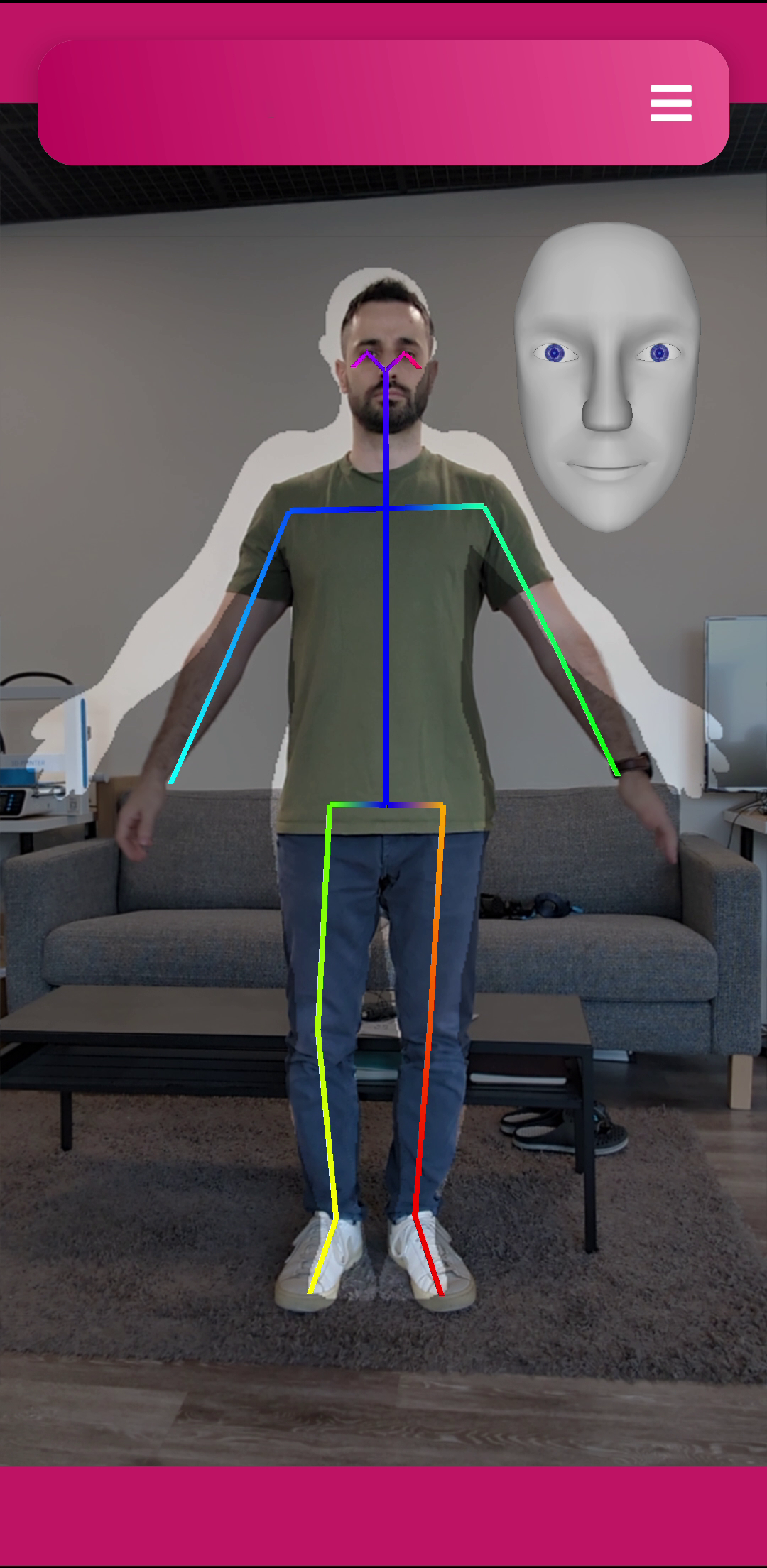
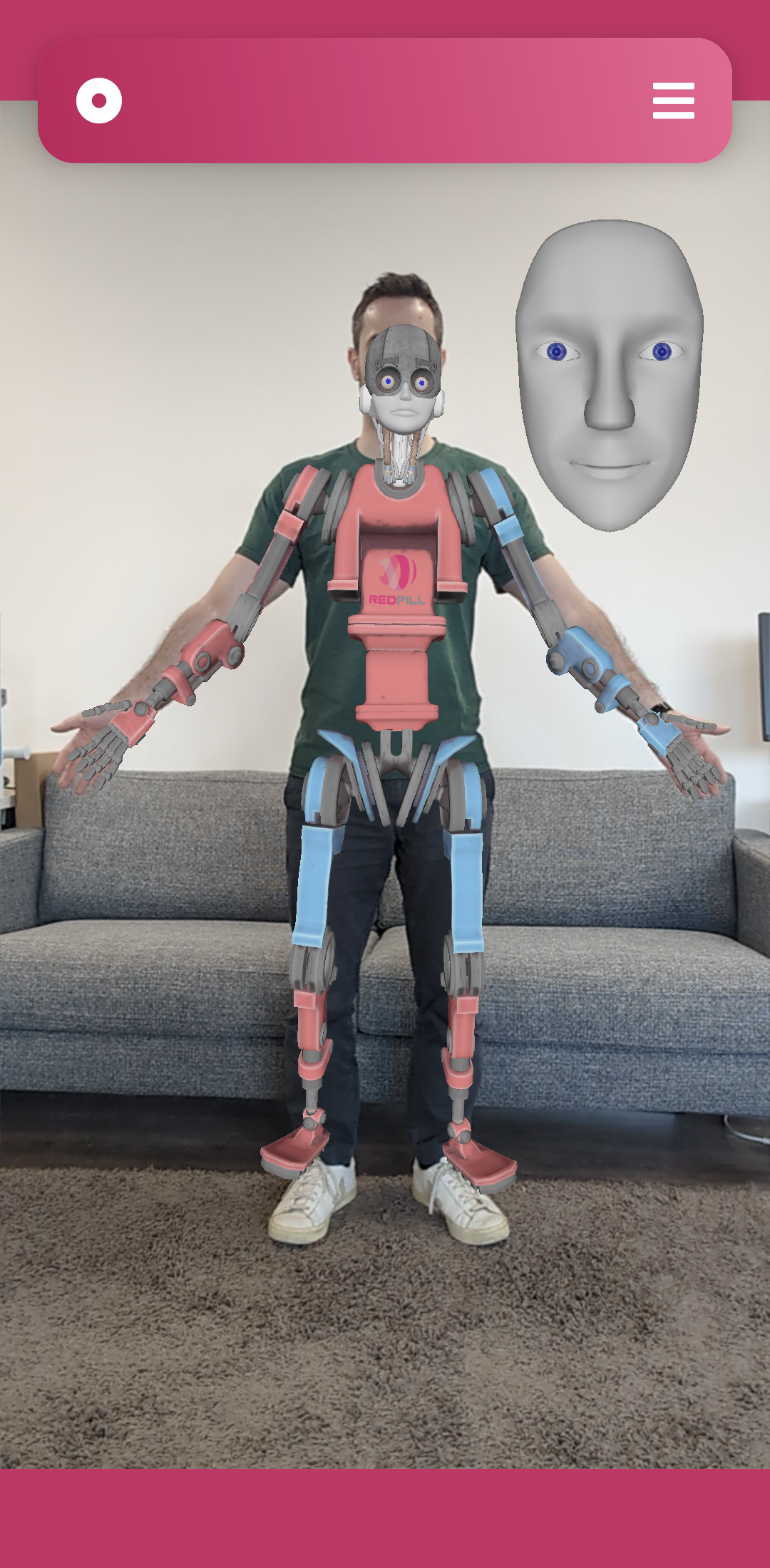
- For best results make sure the phone placed at a height about half your body height and is looking straight parallel to the floor. It's recommended to use a tripod.
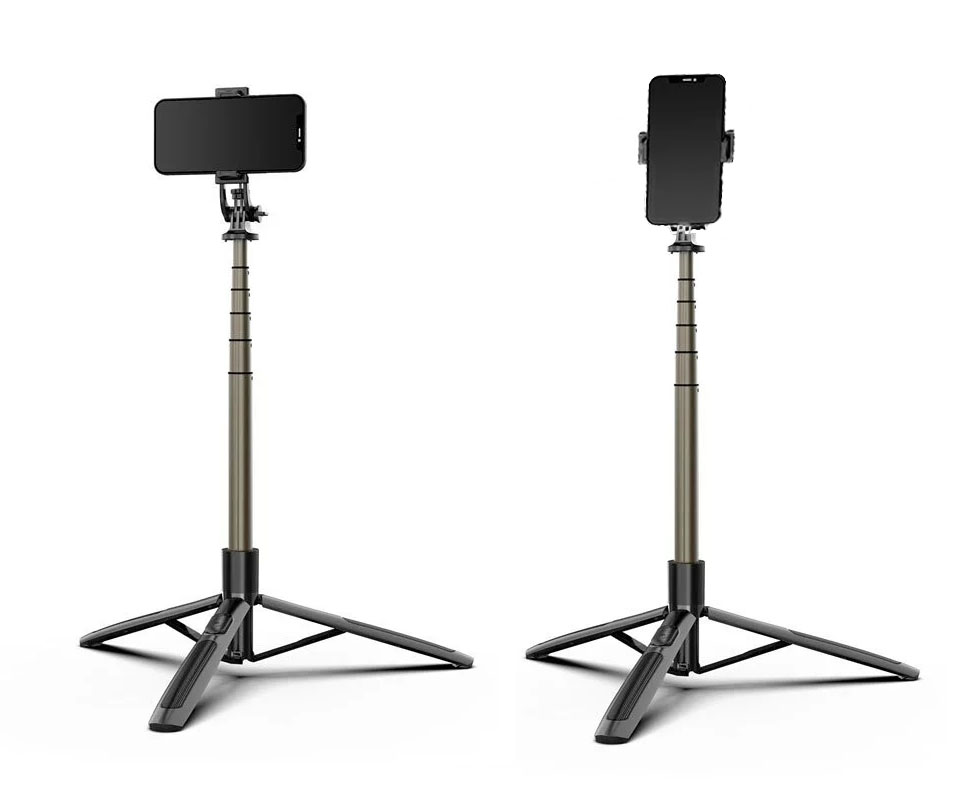
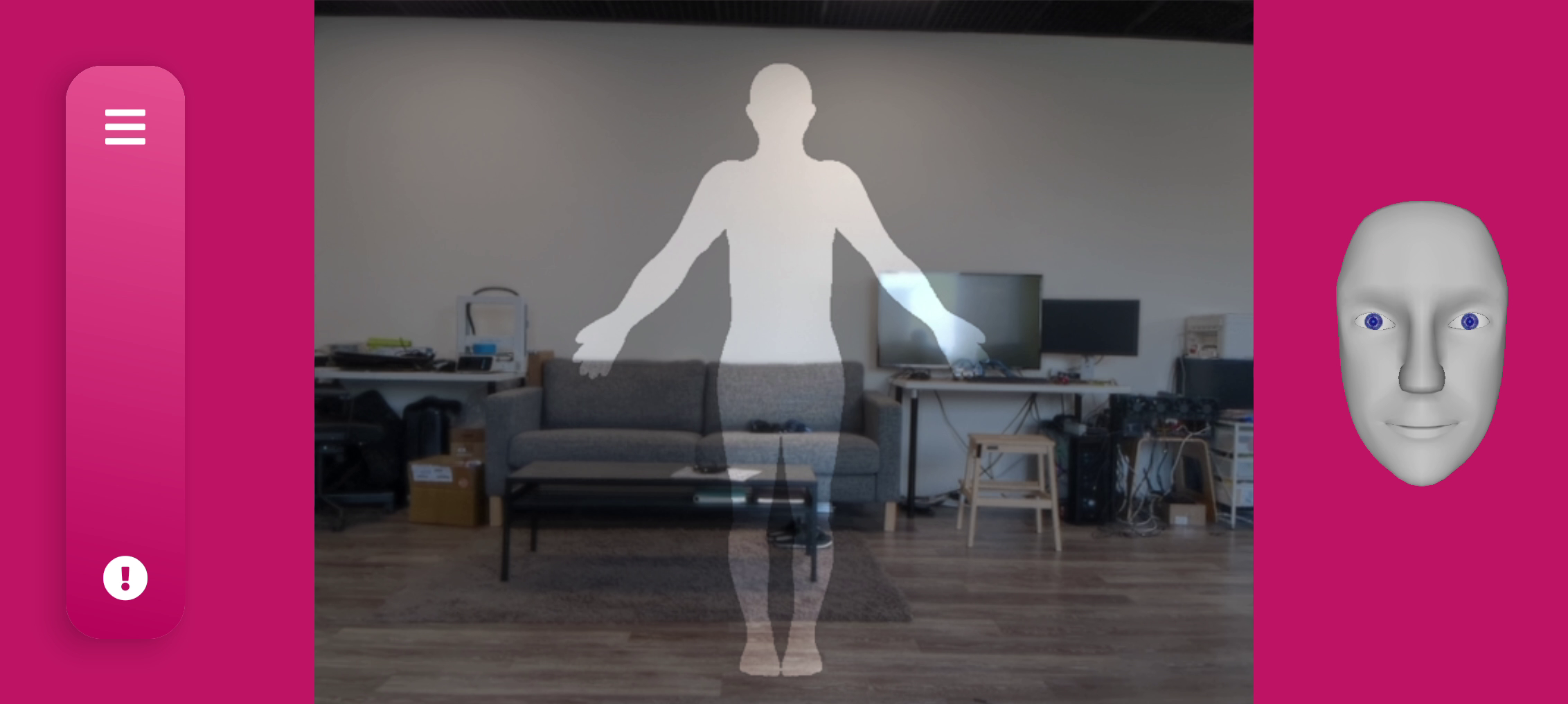
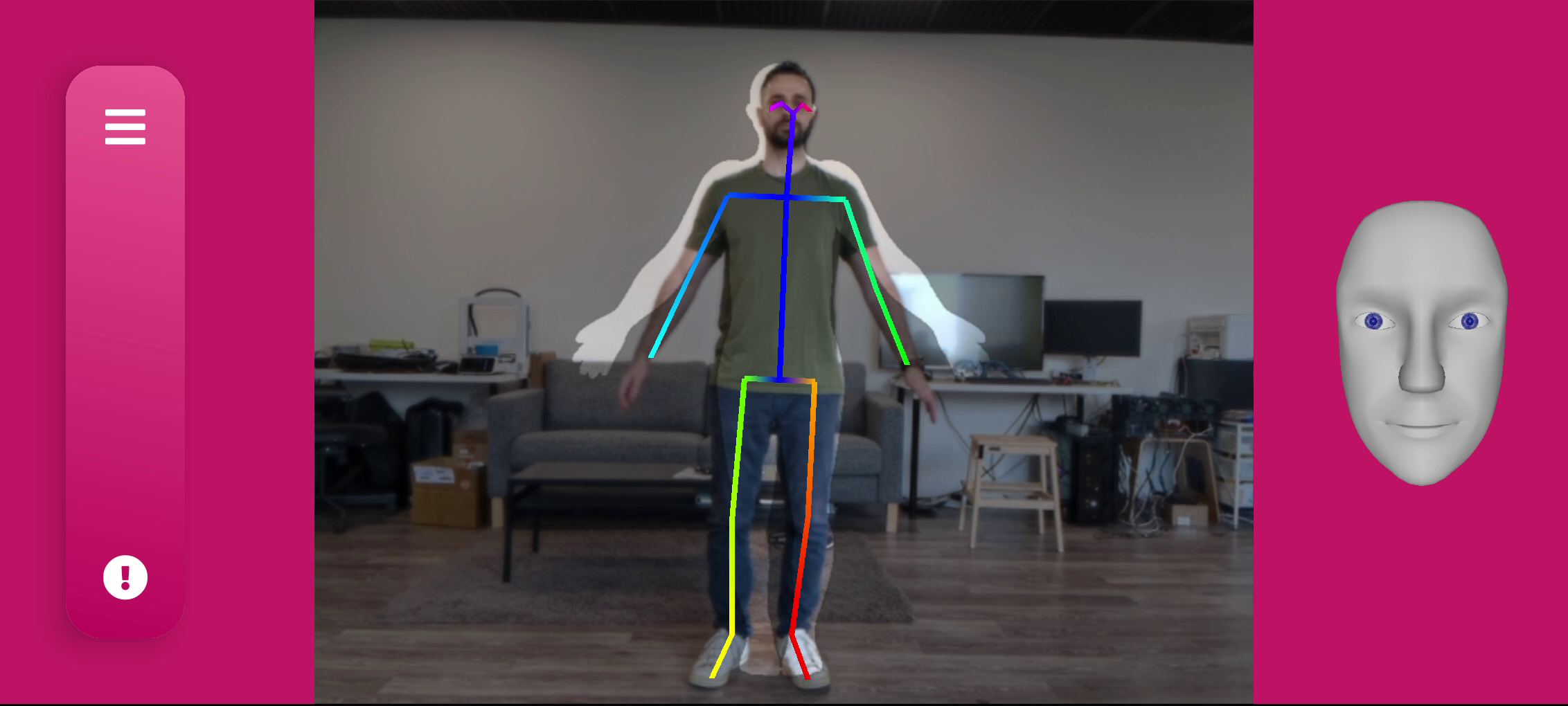
- The phone can be mounted both in landscape and vertical orientation, note that finger tracking is enabled only in vertical orientation.
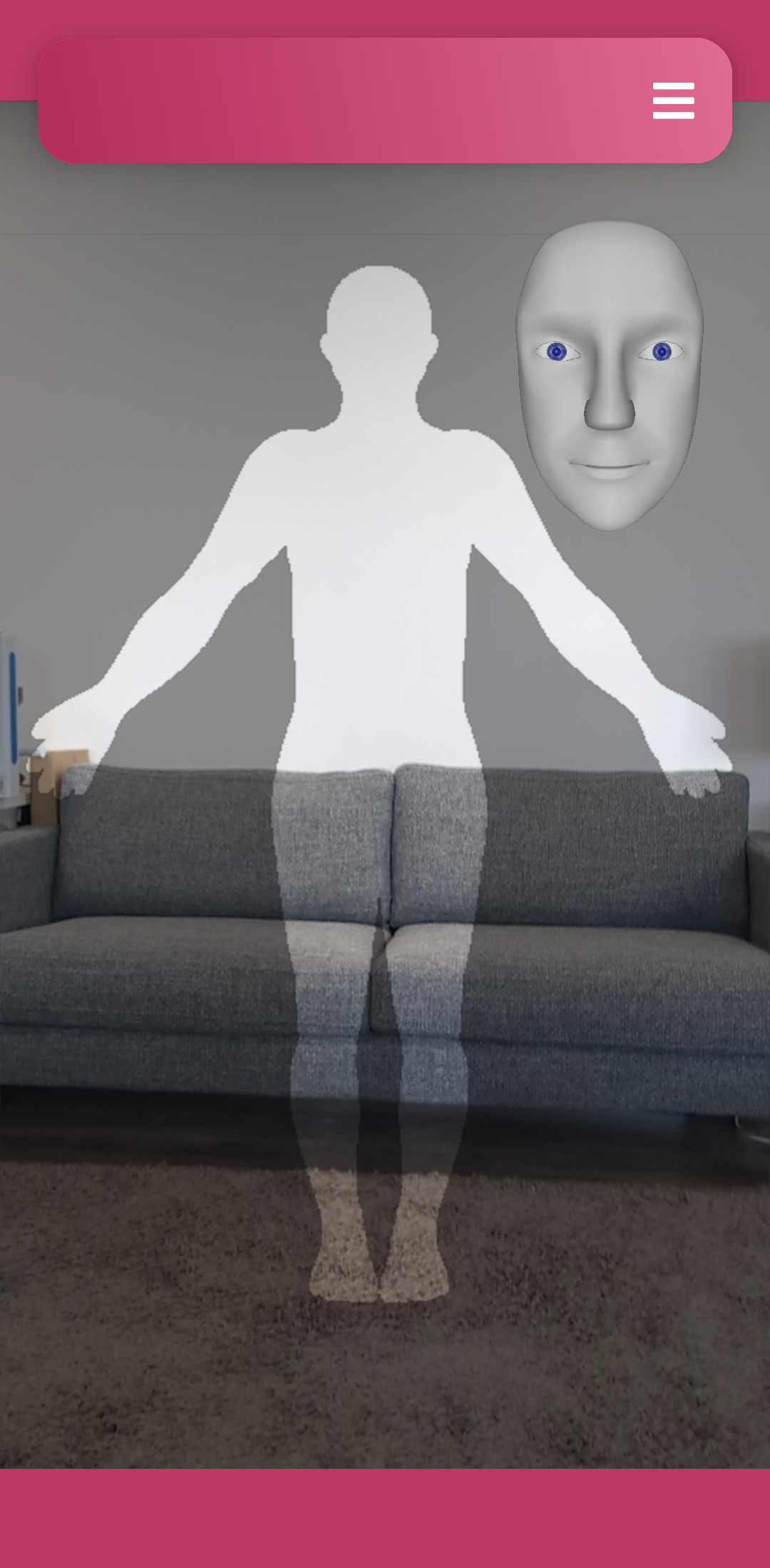
- Stand in front of the camera allowing your full body to be in the frame.
- Roughly align to the silhouette shown on the screen
| * | * | * |
|---|---|---|
 |  |  |
| * | * | * |
|---|---|---|
 |  | 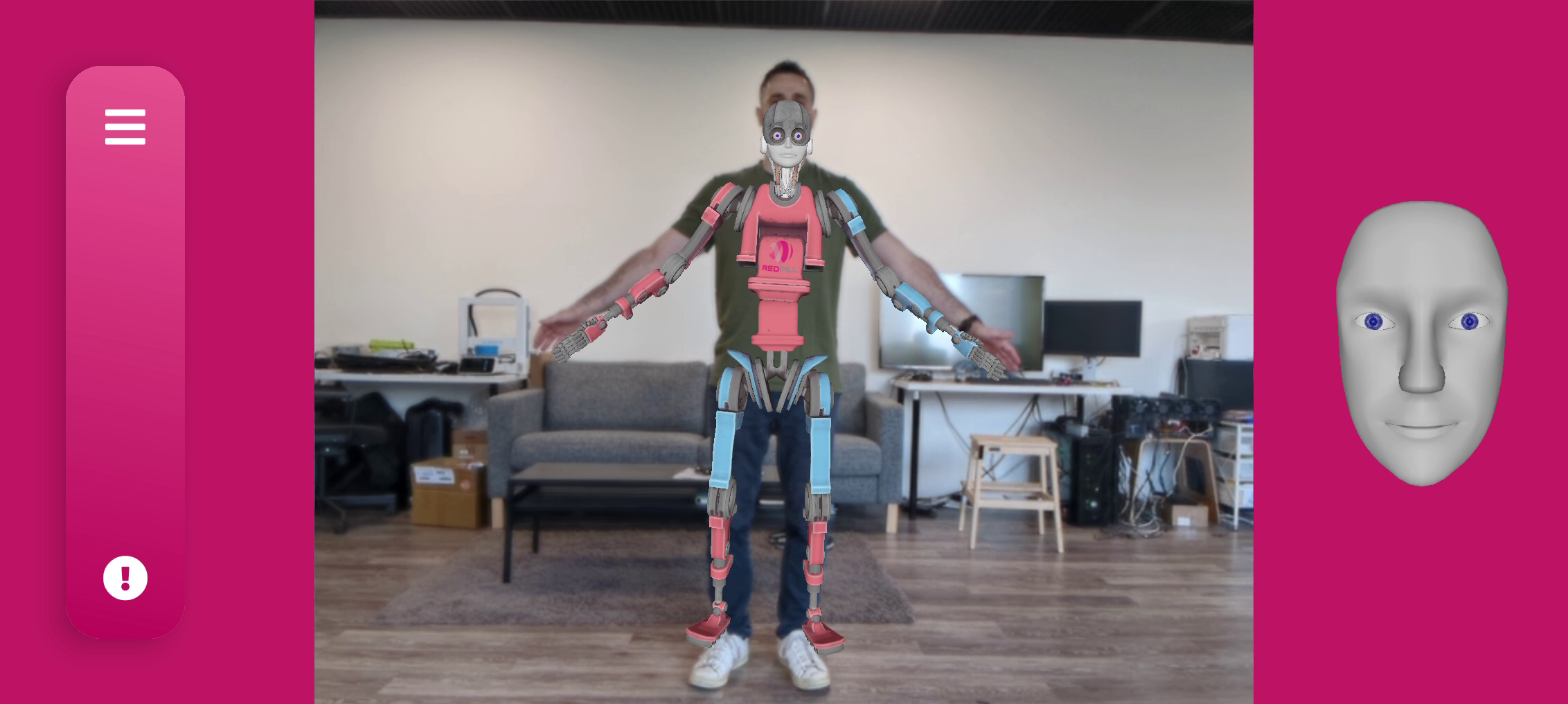 |
For best results avoid performing on messy backgrounds or against direct bright light
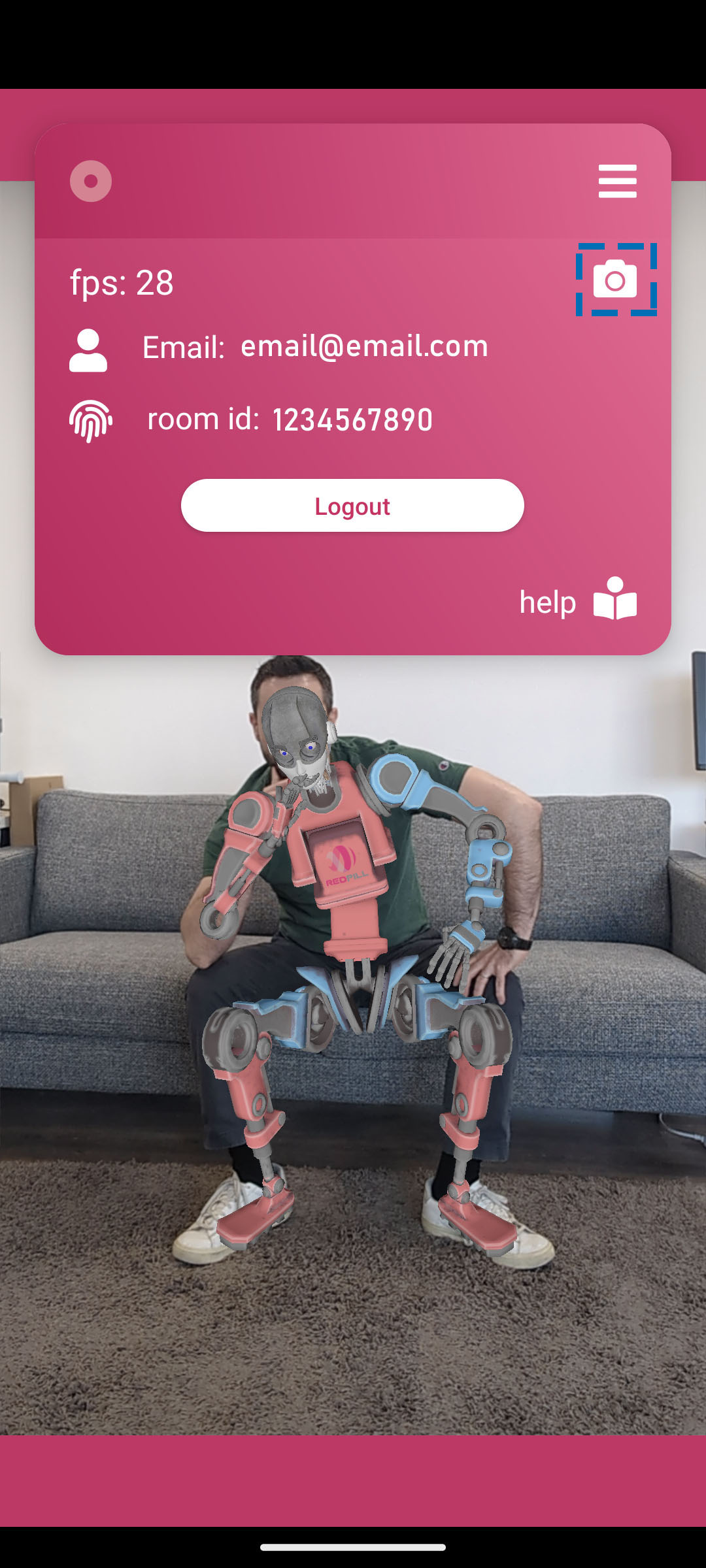
To switch between front and back facing camera press the
cameraicon in the menu panel
Facial Capture
- Red Pill Go uses voice to create the facial animation. The real-time feedback is shown on the face overlay in the upper right corner.

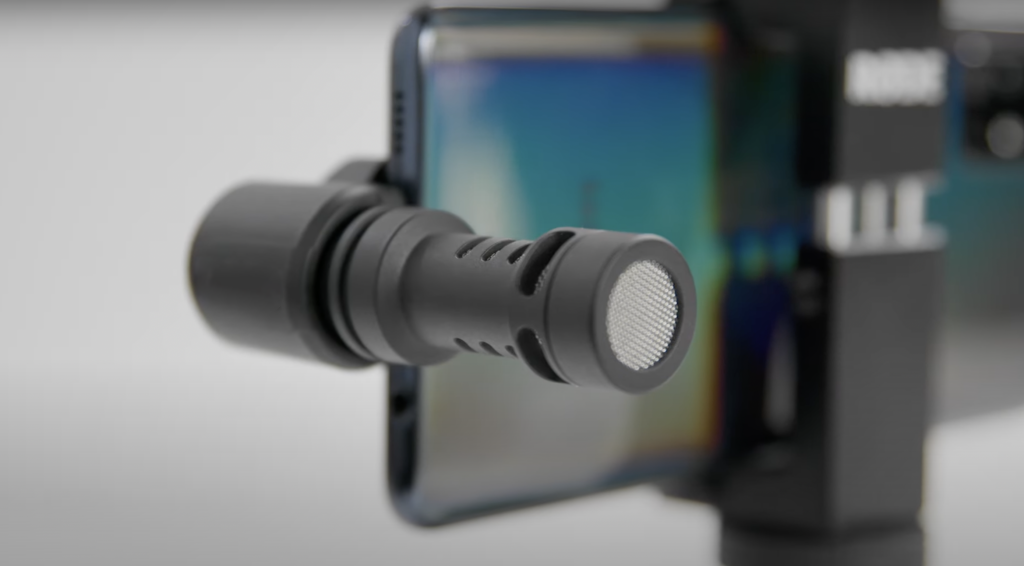
- For better noise cancellation you may consider using an external microphone
Streaming
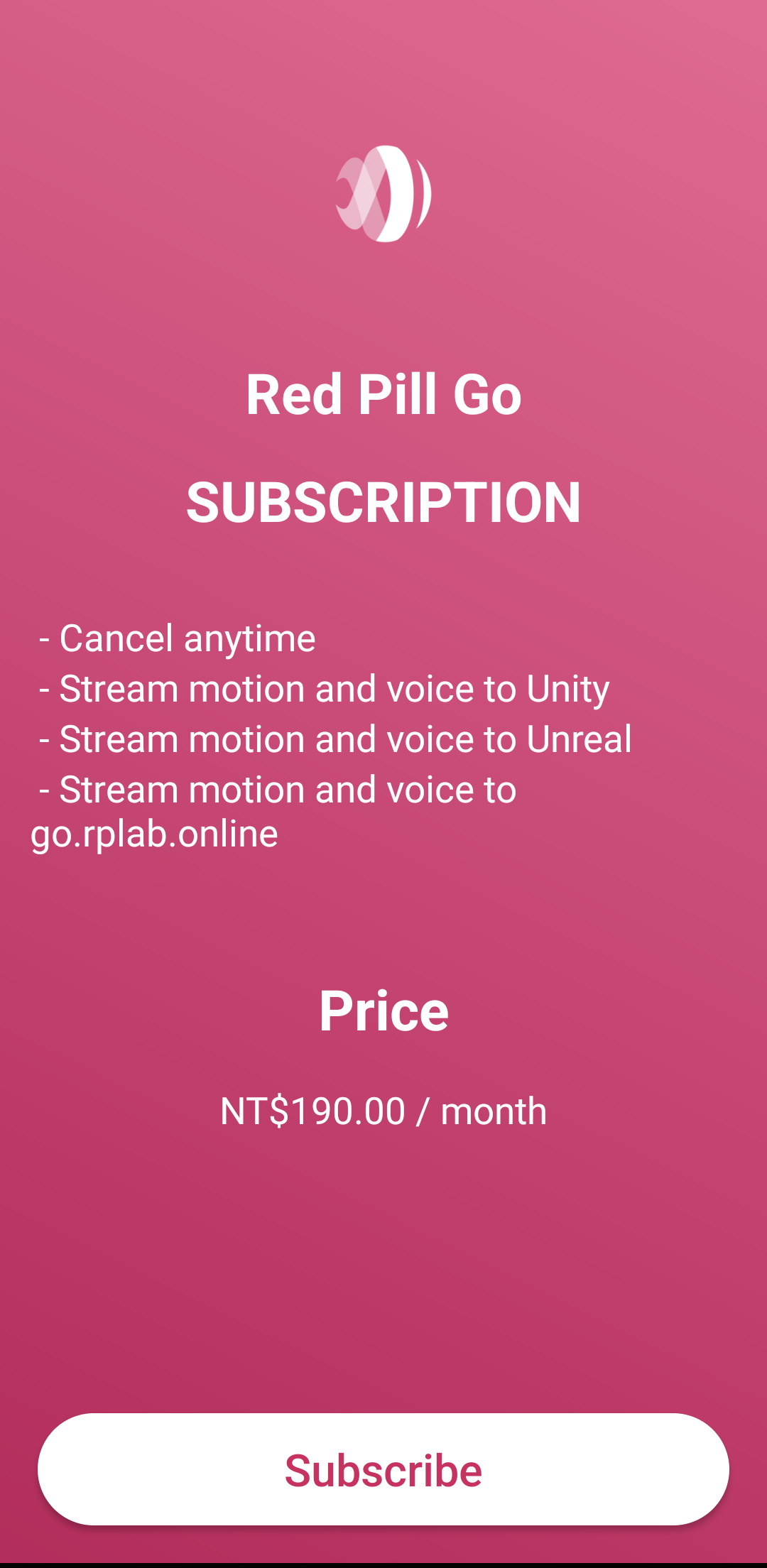
Before you can stream the animation data you need to have an active subscription.
| * | * | * |
|---|---|---|
 | 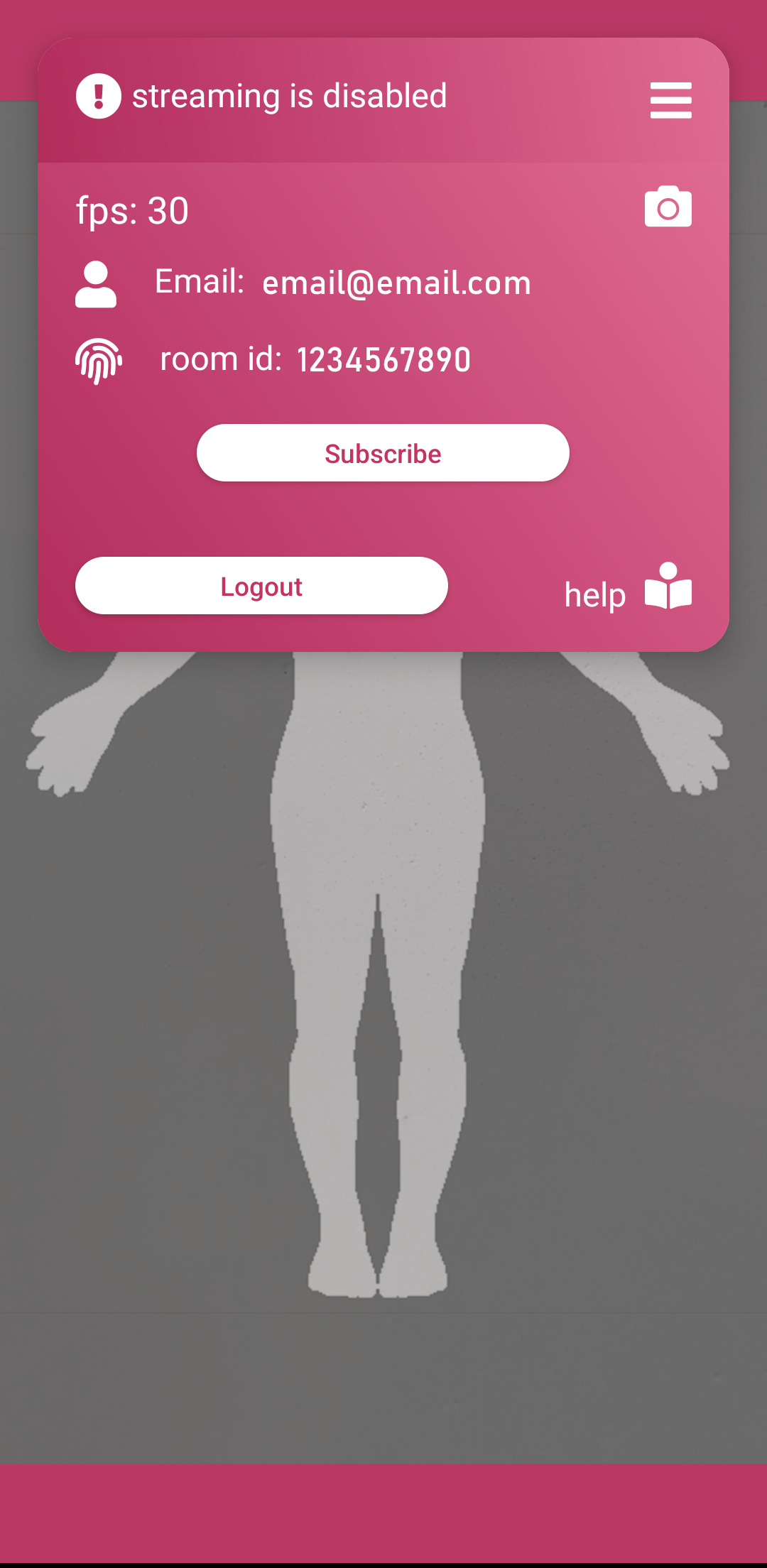 |  |
- If there is no active subscription you'll see the message streaming is disabled at the top.
- To subscribe click on the menu bar on top of the screen then click the "Subscribe" button. On the next screen you can review the subscription details and click "Subscribe".
- After activating your subscription the application is ready to accept connection from client apps. You will know when a client is connected to the stream by a pulsing indicator in the left upper corner.

Connect client app to the animation stream.
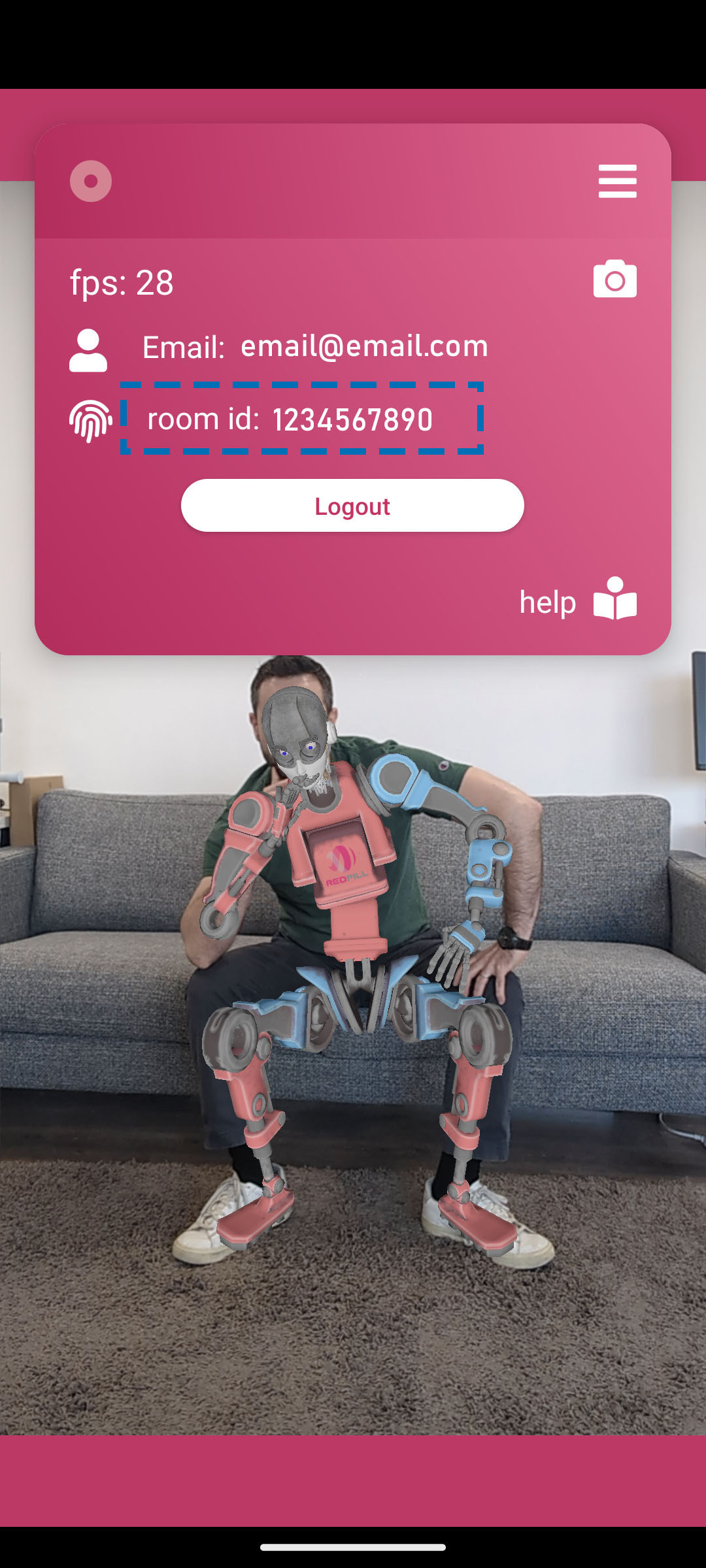
Expand the menu panel at the top to find your unique connection room id and set it in the client app.
We provide free plugins for Unity and Unreal engines with which you can build your own RedPillGo enabled apps: Download Plugins. Or you can use go.rplab.online to record animations directly in your browser.